
When you Enable and Activate Account Notifications, you’ll receive notice on upcoming activity that may affect your existing positions.
- Upcoming Earnings – Monday Morning via Email
- Upcoming Dividends – Monday Morning via Email
- Option Position Expiring – Two days prior via Email
More Notifications will be added along with expanded functionality.
This is a two-step process that can edited at any time.
Step 1:
Locate and click on the Envelope Icon at the top of the platform page, next to your Username:
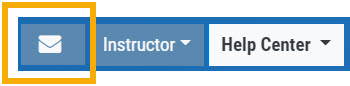
Then, follow these steps:
- Check box to “Turn On Notifications” in the Notification Center
- Confirm your email (Optional: Add 2nd email)
- Check/uncheck Categories (default is all selected)
- Click “Save”
When/If you need to make changes, simply click on the Envelope Icon and repeat the above steps.
Step 2:
For each account you want to receive notifications on, toggle the switch located on the Account Summary tab to the “On” position as shown in the graphic.
**Without this step, you won’t receive the notifications.**