The Watch tab
Enter symbol or use Smart Search.
This icon offers different actions depending where you are located in the platform.
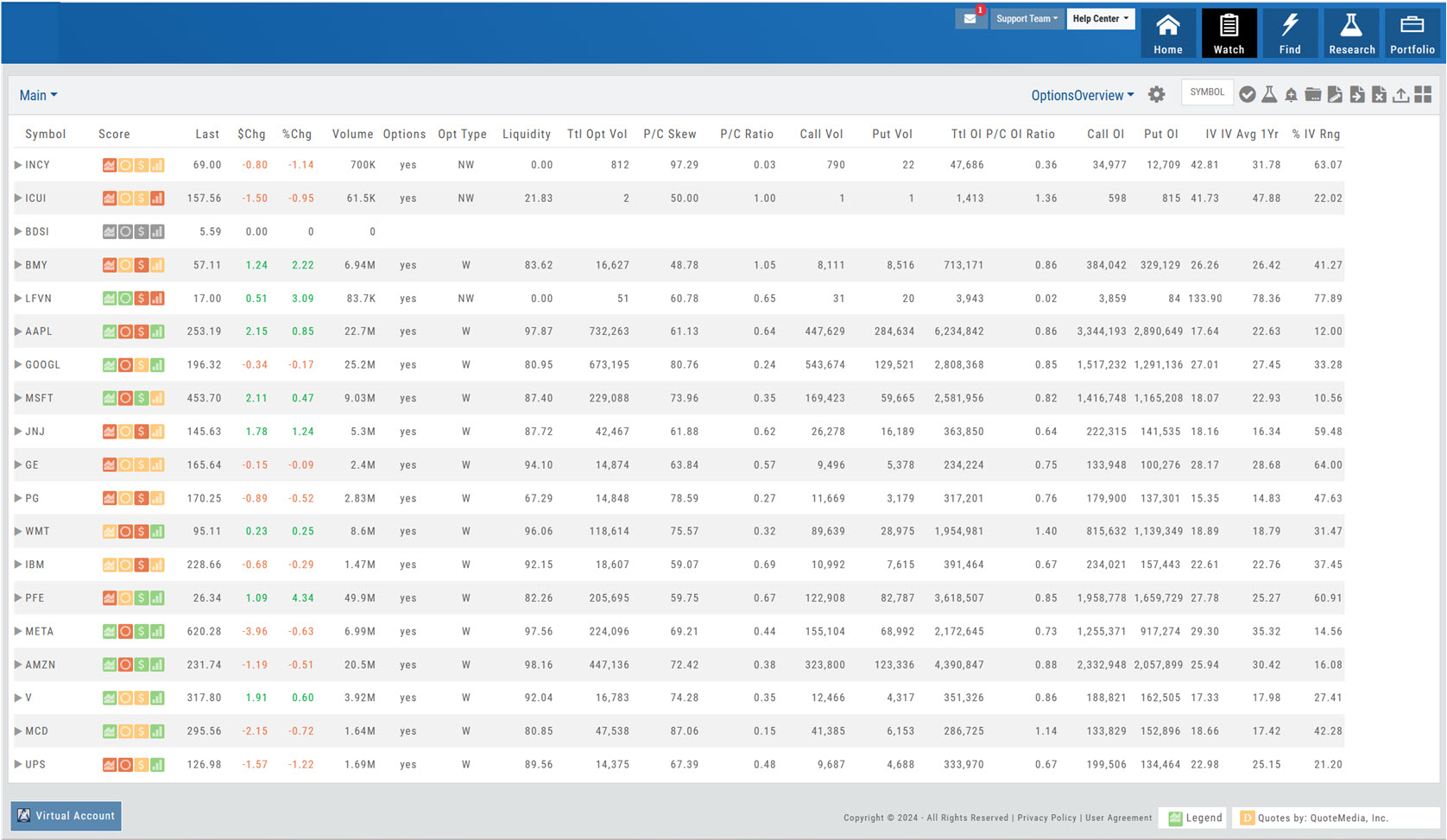
Anywhere you see a Score Icon, you can navigate to the corresponding tab of Technical Analysis, Inner Circle, Valuation or Fundamentals - by clicking on the icon.
Hover mouse/cursor over each icon to display it\\\\\\\'s function, such as: Select, Send to Research, Add Alert, Add/Delete Watchlist, etc.
Toggle between Tile and List View
Access different Watchlist Views by clicking on down-arrow. You can also create/save customized views.
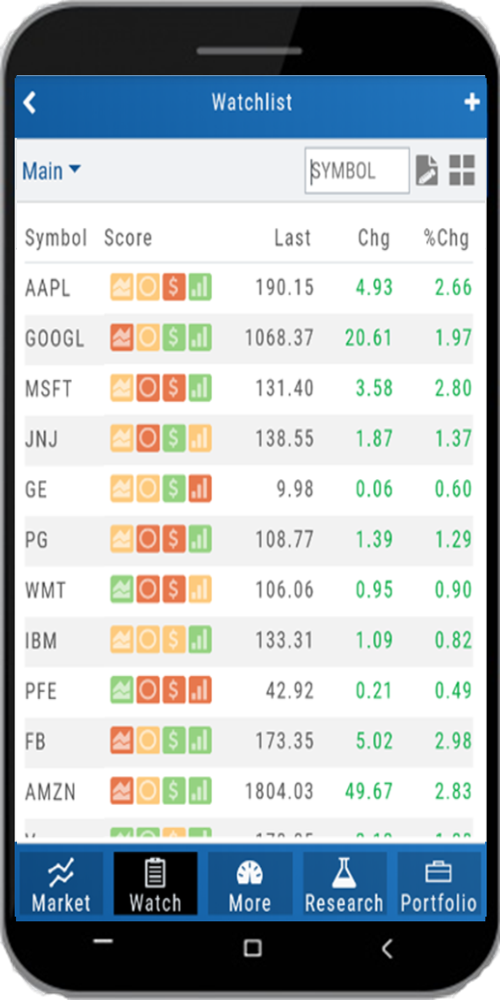
Mobile — Watchlist
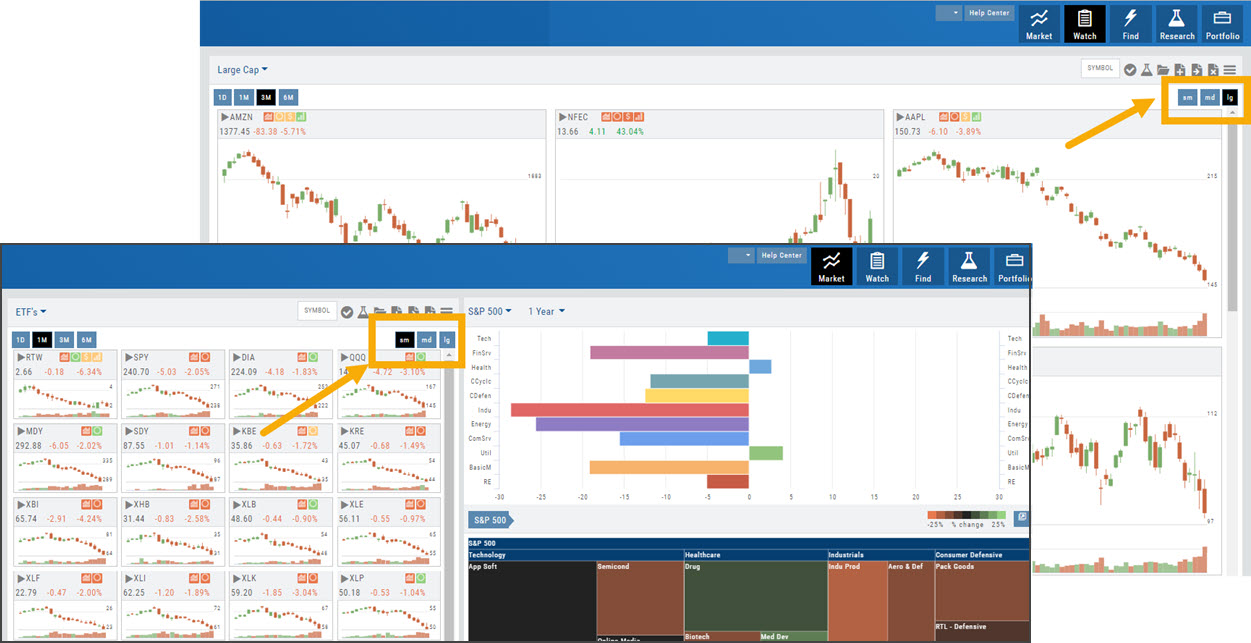
Select Small or Medium Tile
Read the full articleMultiple ways to Manage selected List: Rename, Add Symbol(s) Drag/Sort, Delete, Select symbols to add to another Existing List or create a New List
Sort by any Heading, click the "Manage" icon then click 'Done'. The list will sort accordingly and be 'sticky' until it's changed.
Click on a symbol to navigate to Research Turn device to Landscape to view Chart.
Select a symbol, then rotate device to Landscape to immediately view Chart.
Tile View Sizes
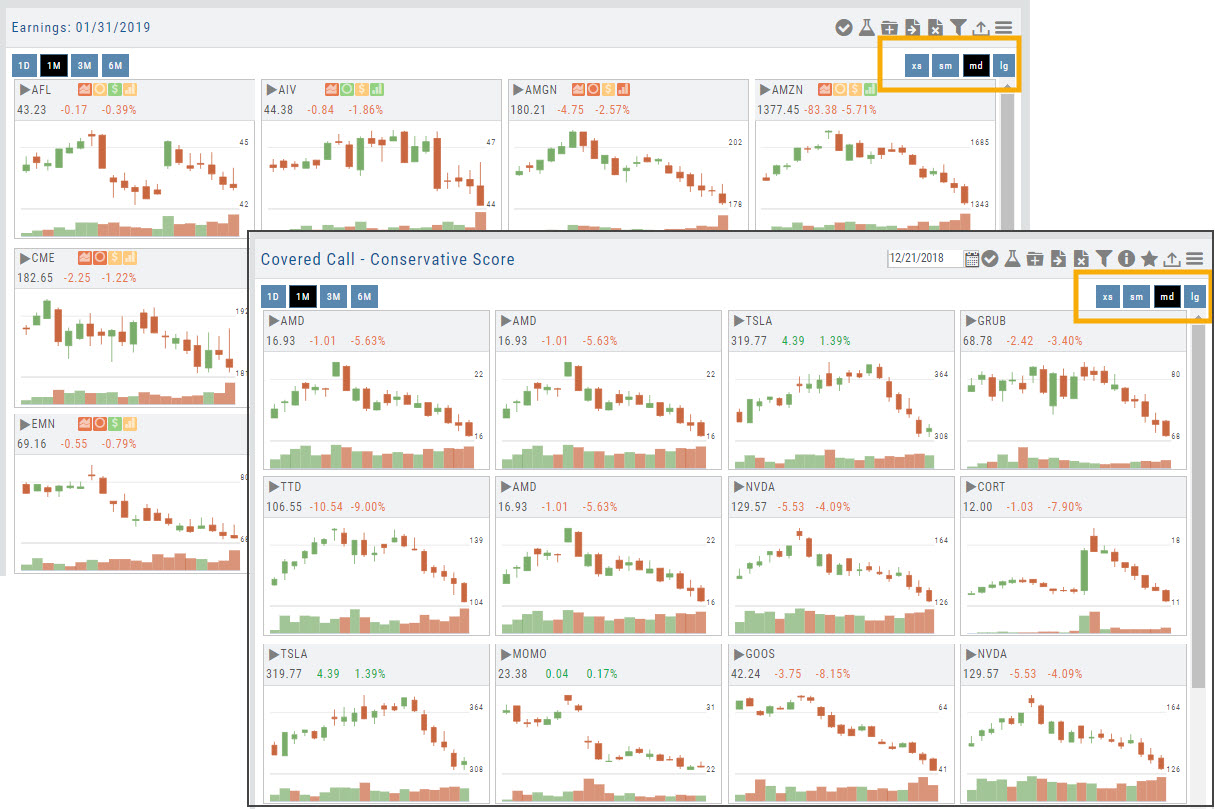
Tile View is available in 3 sizes on the Market or Watch Tabs.
Scans and Earnings/Dividends Calendar under the Find tab offer 4 Tile View sizes: Extra Small to Large.
The platform’s adaptive and responsive technology will automatically adjust the number of tiles shown based upon the available space as well as allow continual scrolling for large lists.